Monday, 16 May 2011, 2:23 PM
Abandoned Carts And Customer Service
Most of us, during our many online shopping sprees, have abandoned a cart or two before; but that doesn’t mean we didn’t want to buy those goodies – we probably did. Maybe it was the shrieking kids, or the phone ringing for that meeting you forgot about; nonetheless, these are the things that interrupt the online shopping experience. Upon abandoning that cart, all is lost and must be filled up again. But why? Don’t they save all that information in their system anyway? Yes, they do actually…
Imagine getting an email with that abandoned cart’s items in it, and imagine a link that brought you to where you left off; think of how many of us would gladly click “checkout”!
S&S has a 25% conversion rate for the where-you-left-off email, and 33% of their revenue comes from the abandoned cart (or reactivation) email. Marinate on that.
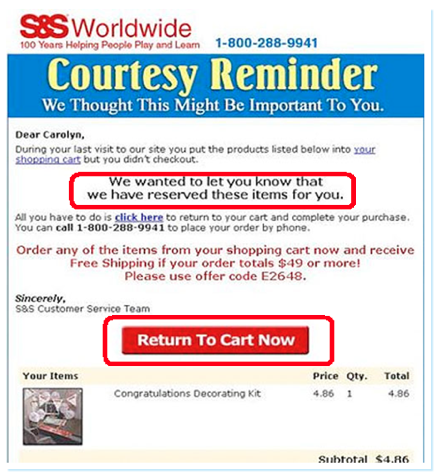
Dell is another good example. For their abandoned cart emails, they present everything very simply – a single click to checkout. What if images are blocked? What do you see then? Something to consider…pesky image blocking.
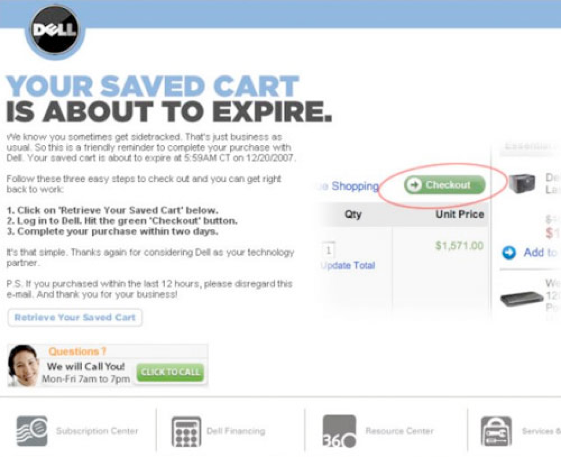
This next example is excellent! There are far too many e-tailers hiding their customer service phone numbers. So many things can go wrong to bring the transaction to a halt, naturally you want someone to call when it happens. If there’s no one to call, you don’t buy. Below, with HSN, help is at your fingertips – with an email or a phone number to call.
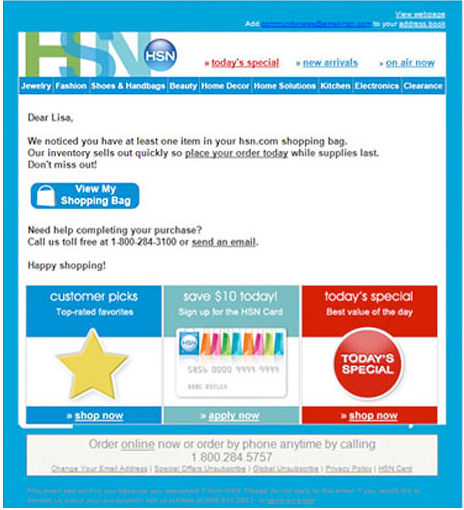
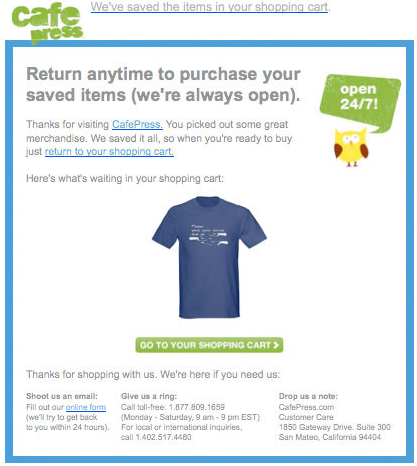
In this example, the customer can even see pictures of the items they added to their shopping cart, but never bought.
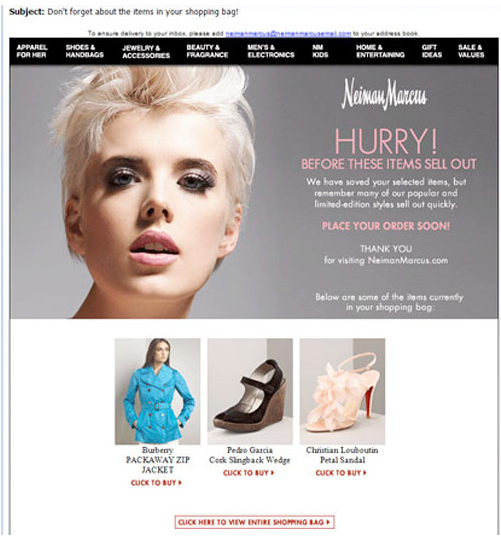
Below they’re using the pre-header to inform you that the shopping cart has been saved.
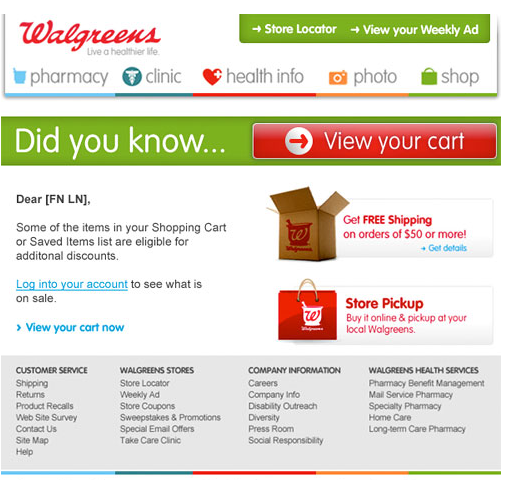
This email from Walgreens is a great example, especially in the design department – it’s crispy and simple. They’ve tried to make it a tad more personal, which is never a bad idea. But I have a bone to pick, there are too many things competing for your attention – “Free Shipping on 50$+ orders?!”, “What’s store pickup?!”…you see?
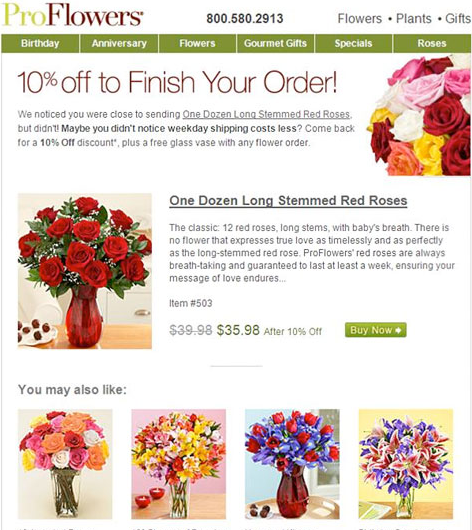
ProFlowers offers a 10% discount if you finish checking out. But then you run the risk of customers abusing that system.
So what exactly needs to be in an abandoned cart email? I’ve put a list together of the essentials below. Try to wiggle these into your email strategy.
- Title – the title of the abandoned cart email must be clear, and it must explain that it’s about the items the customer has abandoned in the cart.
- Avoid sales content. Have customer oriented content that helps the customer continue with the transaction – no exploding neon price signs.
- Include contact information – telephone and email.
- Use the customer’s name, and if possible, show the articles in the shopping cart with current pricing etc.
- Create a link directly to the cart.
- Give an expiration date for their saved cart – if applicable.
- Give the customer extra information about the items in the cart – links to a related video or recommendations from other customers etc.
- Avoid too much information. The customer should be able to navigate easily.
- Explain why your customer is getting this email and include an opt-out link if you plan to run a series of emails like this.
- Give your customers more information about the advantages of your items.
- Make links to tips, guides or inspirational videos.
- Give the customer an extra treat: a coupon, discount, free shipping, gift wrap…you get it.
- Give the customer suggestions for similar products, they might suit the customer even better.
- Ask the customers for feedback to improve the buying process.
- Give references to similar purchases.
Sarah@@@@@


