Monday, 24 January 2011, 6:45 PM
Alt-Text to the Rescue!
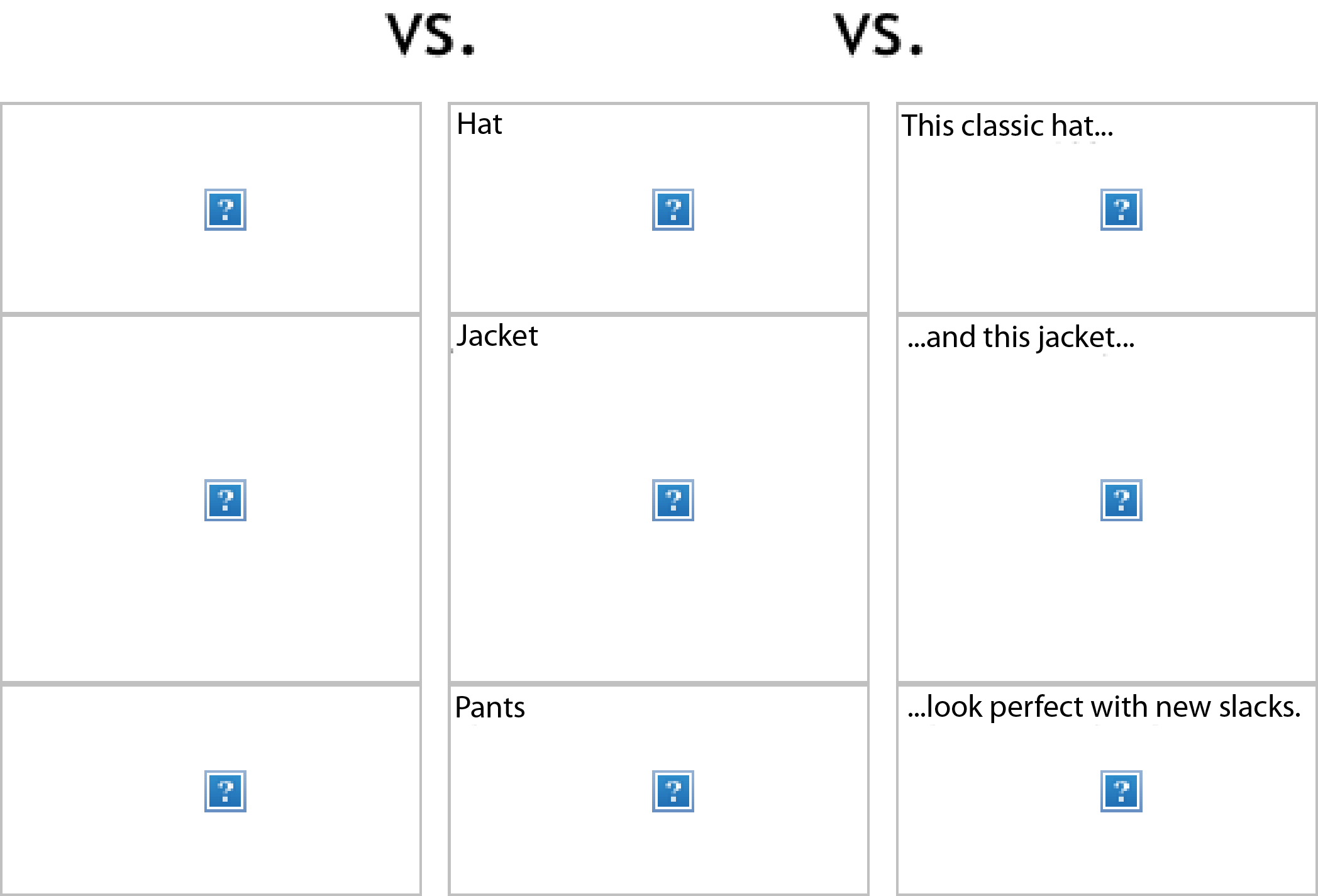
I’m sure this outlined box below is not a foreign sight to you, whether on a website or in an email, you’ve seen it. It probably looks something like this:

This is a small picture from TED’s newsletter, and the picture that went MIA is actually a small video link. Thanks to alt-text, it’s made obvious.
This is what we call an alternative text; a text that replaces a picture when it’s blocked or for some reason could not be loaded.
Why do we use them? And why use them in emails?
Alt-texts are not really meant for email, they’re mainly used on the web. The idea is that these texts should explain the picture missing or in question, rather than tell what the picture represents. So let’s say that the picture that is missing is a button, the alt-text should describe what the button means, rather than saying that it’s a button.
An example:

Alt-texts are excellent for visually impaired people; if your computer is configured to read web sites and text aloud, it will read the alt-text as well. This is one reason why decorative lines and graphic details should not have alt-texts: it just doesn’t work. There are more reasons why we don’t use alt-texts on the web today, but I won’t go into detail today.
What I’m really saying is that alt-texts in HTML emails do not always perform the same function; apart from visually impaired people. Here we use them almost exclusively because blocked pictures are so common.
If clicks are your goal, and if you want your recipients to load the blocked pictures, you need to think about how you phrase the alt-texts.
I’m not going to decide what’s wrong or right here, that will be up to you and your newsletter content. Try to be creative, think outside the bun. Remember that this is an email, not on the web; you can stretch the rules a bit.
An example:
Kjell & Company uses alt-text in their newsletter. I have to say, they do a great job of adding intrigue to blocked pictures. They have a lot of pictures at the top, but note how they resume the picture content with the preheader at the top.

They have also put the buttons in the newsletter as text on a background color instead of as pictures. The buttons will show even when the pictures are blocked. (Look at the lower right corner.)
The same goes for the big orange-colored price tags: they are also placed as stand-alone text.
If you typically send or work with HTML newsletters and do not use alt-text, give this a shot. It’s worth a try.


